Our new “Share to Google Classroom” feature
Tech
Featured
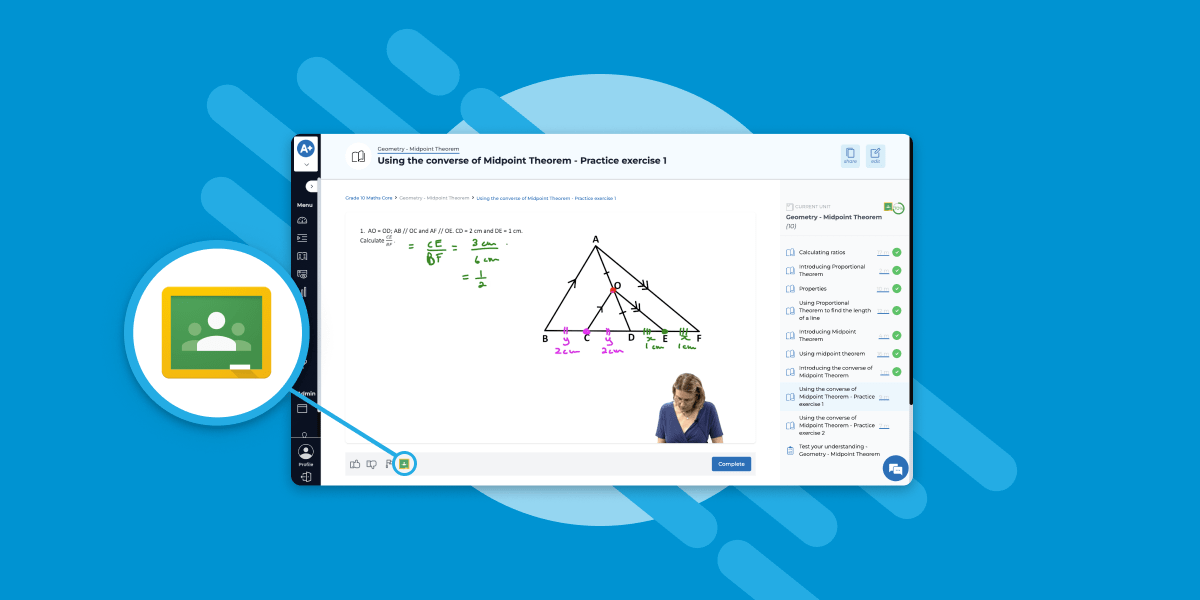
Seamless Google Classroom integration for modern classrooms
In the rapidly evolving landscape of digital education, our online campus is proud to announce a new feature tailored for schools leveraging Google Classroom: the new “Share to Google Classroom” feature. This cutting-edge functionality is designed to streamline the way educators share educational content with their learners, marking a significant step forward in our commitment to enhancing the digital learning experience for schools!
Effortless sharing of educational resources
Our latest feature offers educators a highly efficient method to distribute units, lessons, and assessments directly to their students via Google Classroom. This integration simplifies the process of sharing resources, ensuring that learners have immediate access to the necessary materials for their academic success.
Accessible from multiple points on the campus
Understanding the dynamic nature of teaching, we’ve strategically placed the “Share to Google Classroom” button in three convenient locations on the Campus:
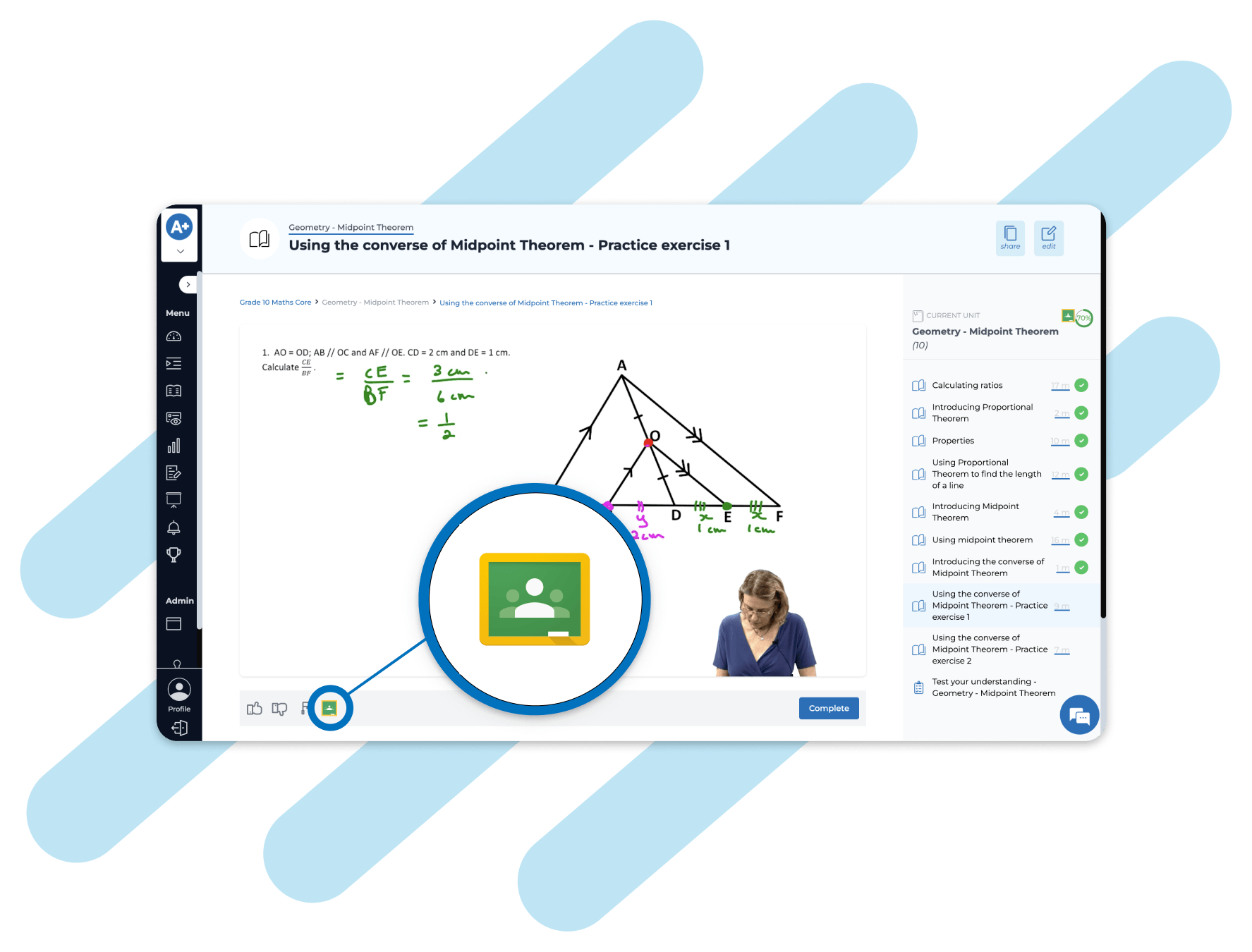
On Any Lesson Page: Just beneath the video in the actions bar, educators can find the sharing option. This placement allows for immediate sharing of lessons right after reviewing them.
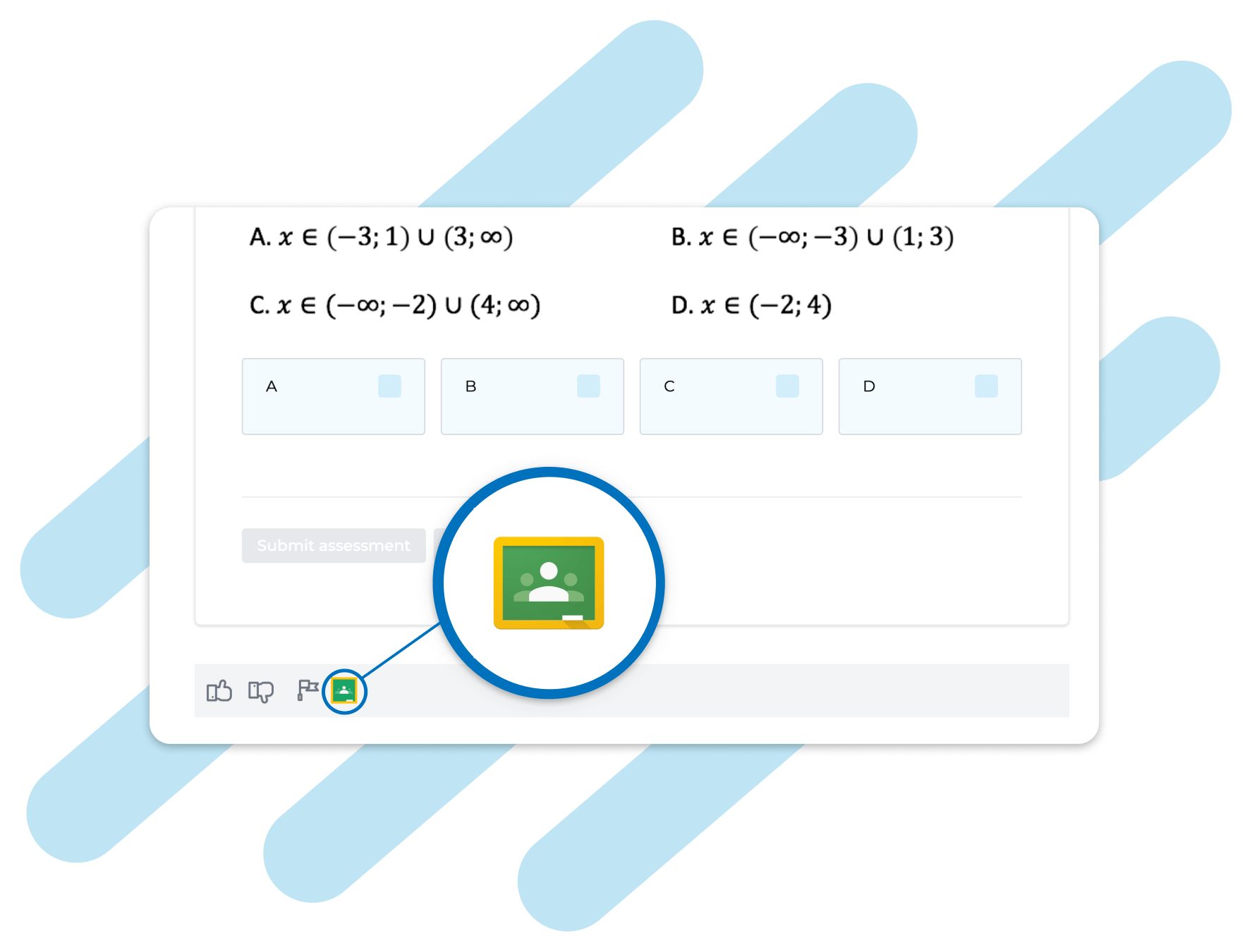
At the Bottom of Any Assessment: This allows teachers to quickly assign assessments to their students without navigating away from the assessment page.
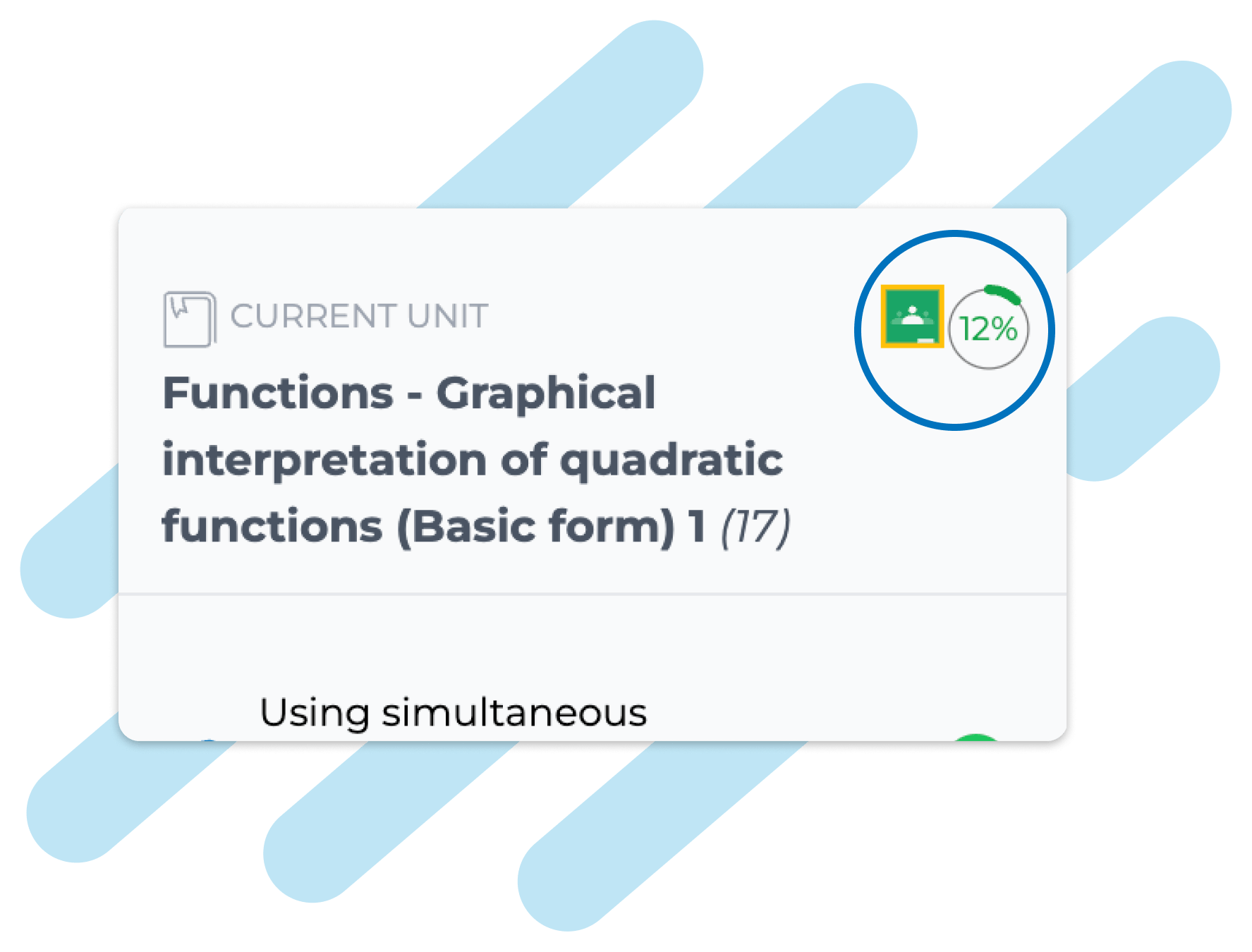
In a Unit Overview: Located in the top right corner above the unit overview, this option facilitates the sharing of comprehensive unit resources in a single click.
Intuitive and user-friendly Google Classroom share button
When educators click the “Share to Google Classroom” button, they are taken directly to Google Classroom. Here, they can choose how they want to share the link and select the intended recipients. This process is not only intuitive but also saves valuable time, allowing educators to focus more on teaching and less on administrative tasks.
In an era where digital learning is more important than ever, our commitment to providing tools that enhance the educational experience remains steadfast. This new feature is more than just a technical upgrade; it’s a testament to our dedication to empowering educators and students alike. We are excited to see how this feature will transform classrooms, making learning more engaging, accessible, and efficient.
Share your feedback with us
We are eager to hear your thoughts on this new feature! Start a live chat or email us at [email protected] to share your experiences and suggestions with us. Your feedback is vital in shaping the future of digital education on our campus.

About the author
Chris Muller
As Director of Innovation & Technology and lead developer on AdvantageLearn.com, I’m the guy who panics the most when things go wrong with our site! Luckily this doesn’t happen too often and I can spend most of my time tweaking and improving both AdvantageLearn.com and your learning experience with us 🙂
Choosing Your NBT Prep Learning Style
Uncategorized
How to Choose the Right NBT Prep Learning StylePreparing for the NBTs can feel overwhelming at first. Not because the work is too difficult, but becau... Read more
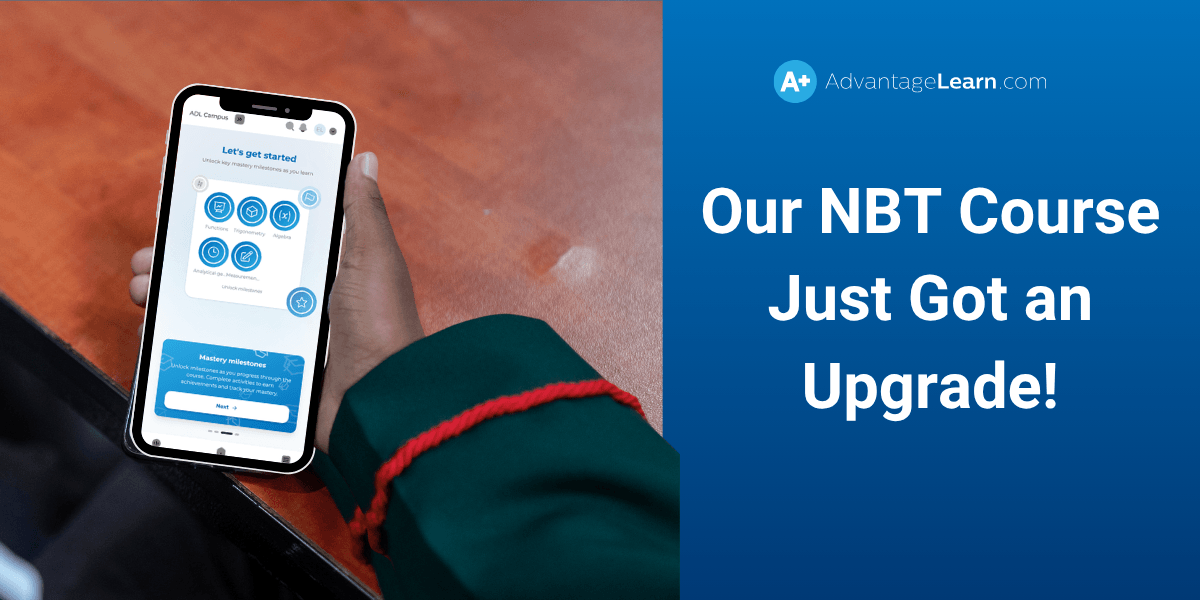
Inside Our Newly Upgraded NBT Course
Uncategorized
We’ve completely upgraded our Online NBT Preparation Course to give students a smarter, more focused way to prepare. Instead of working through conten... Read more
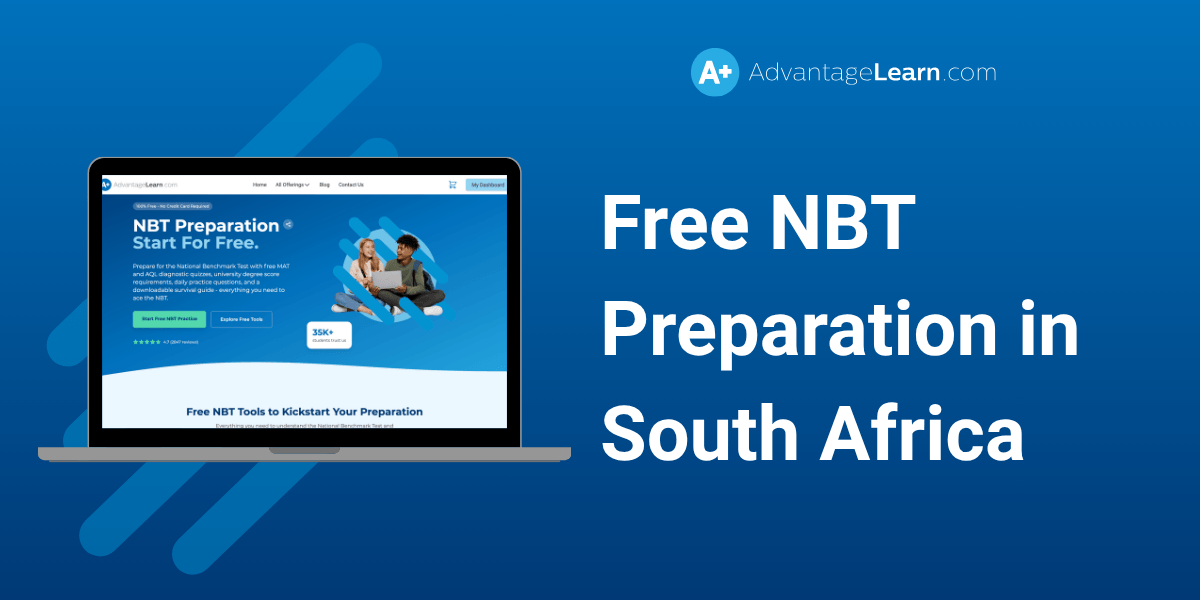
Free NBT Preparation in South Africa: Start Practising Online Today
Uncategorized
If you’re planning to study at a university in South Africa, the National Benchmark Test (NBT) is an important part of your academic journey. Many uni... Read more
Do you want better Maths results?
Maths Online is a bank of over 2000+ extra lessons. Furthermore, gain access to our teacher support to help you when you need it!
More info